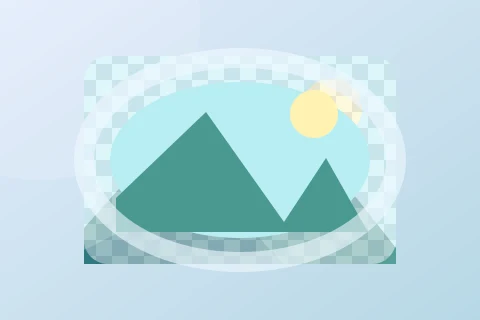
Warp Image
Bend, stretch and reshape your image with presets and a draggable mesh.
Preview
Bend your image into a new shape
Upload an image below or choose a sample to start.
Image
Or drop an image here · PNG, JPG, WebP · up to 20 MB
Drag a grid point to reshape your image. Arrow keys move a focused point; Shift moves faster, Home resets it. Your image stays on this device.
Shape your image with a mesh
Upload a PNG, JPG or WebP, or start with a sample. Choose a 2×2 to 5×5 grid, then drag its points to bend edges, stretch corners or reshape the center. Presets provide a starting shape; moving a point switches to Custom and keeps that shape.
15 presets and full-resolution export
Start with Arc, Arc lower, Arc upper, Arch, Bulge, Shell lower, Shell upper, Flag, Wave, Fish, Rise, Fisheye, Inflate, Squeeze or Twist. Bend ranges from −100 to 100. More options adds horizontal and vertical distortion. Presets fit inside the original frame.
Download re-renders from the original image, without the guide grid. PNG and WebP preserve transparent areas; JPG fills them with white. You can also copy a PNG to the clipboard. Images are processed on your device, with no login or image upload to a server. Supported inputs: up to 20 MB, 16 megapixels and 8192 pixels per side.